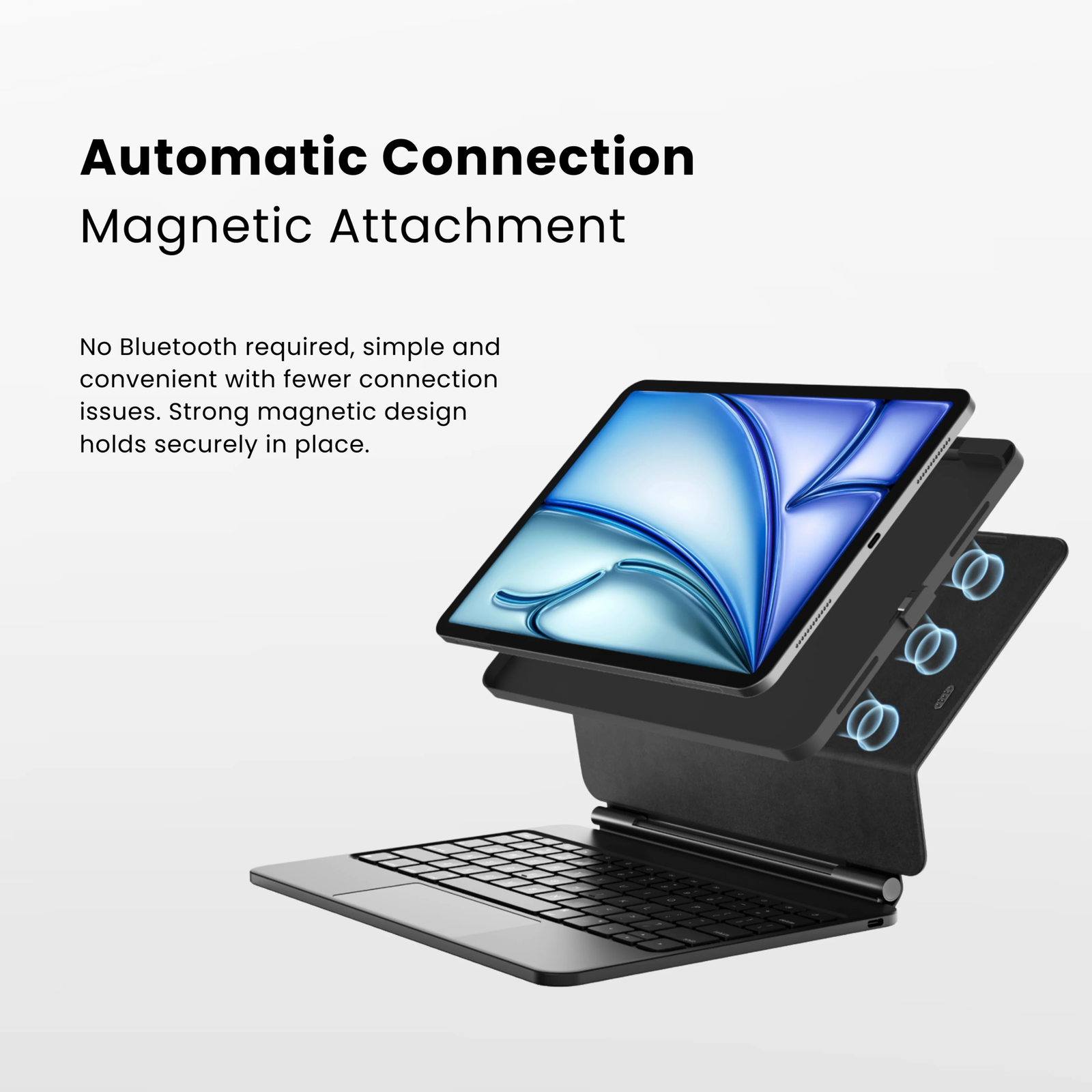
No pairing. Just connect.
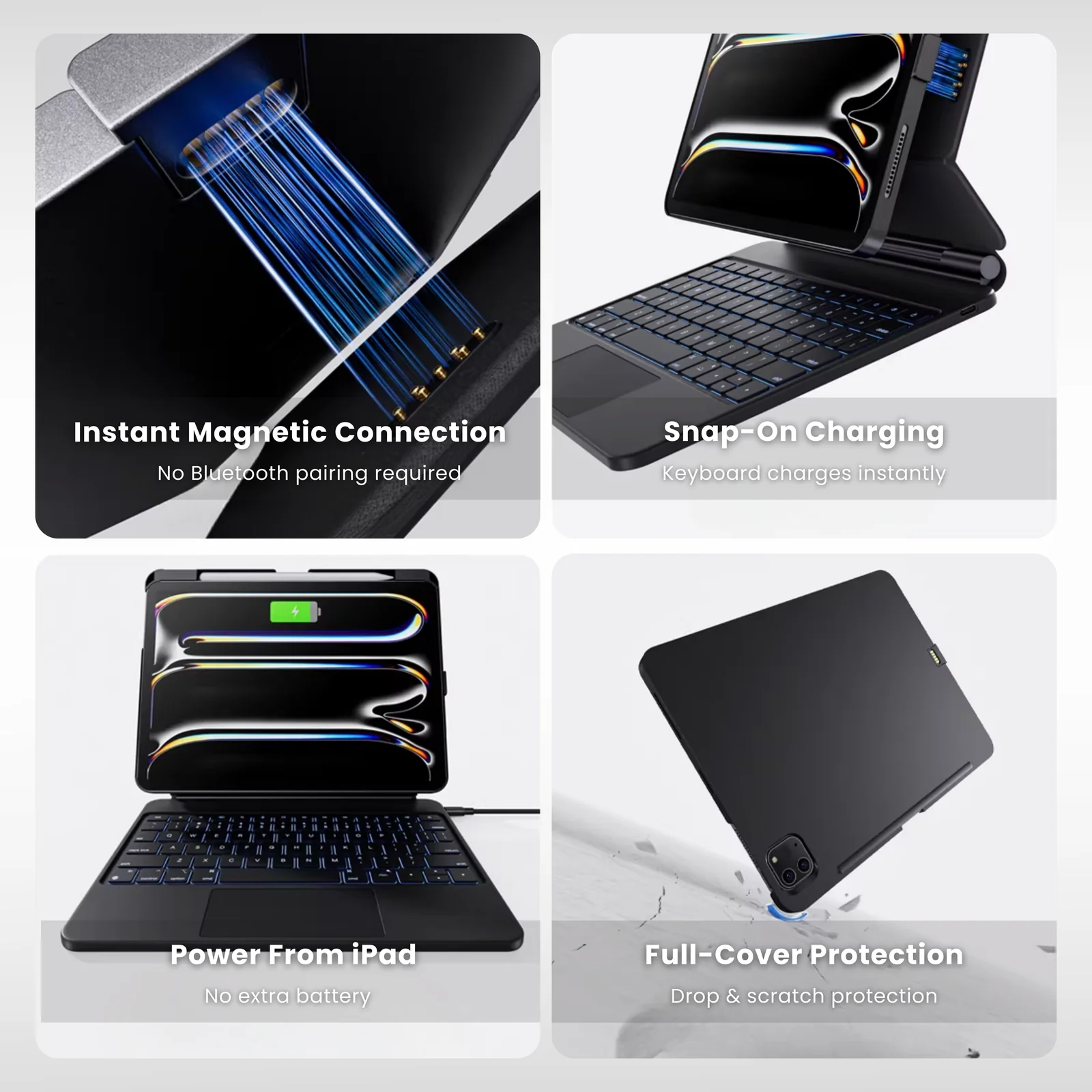
Attach your compatible iPad and get straight to work. The keyboard connects through magnetic contact points and draws power directly from the iPad—without Bluetooth pairing or a separate keyboard charging routine.
Place your compatible iPad onto the keyboard connection points and start typing without a Bluetooth pairing process.
The keyboard receives power through its direct connection, eliminating the need for a separate keyboard battery charging schedule.
The magnetic positioning system helps align the iPad with the keyboard's direct-contact connection points.
Made for the way your day moves.
From your desk to your favorite café, simply open your iPad and get to work—without Bluetooth pairing or a separate keyboard charging routine.

No Bluetooth pairing.
No separate keyboard charging.
Work from one compact setup.
More control. Less compromise.
A keyboard case designed around familiar typing, responsive trackpad control, secure magnetic support and flexible viewing angles.
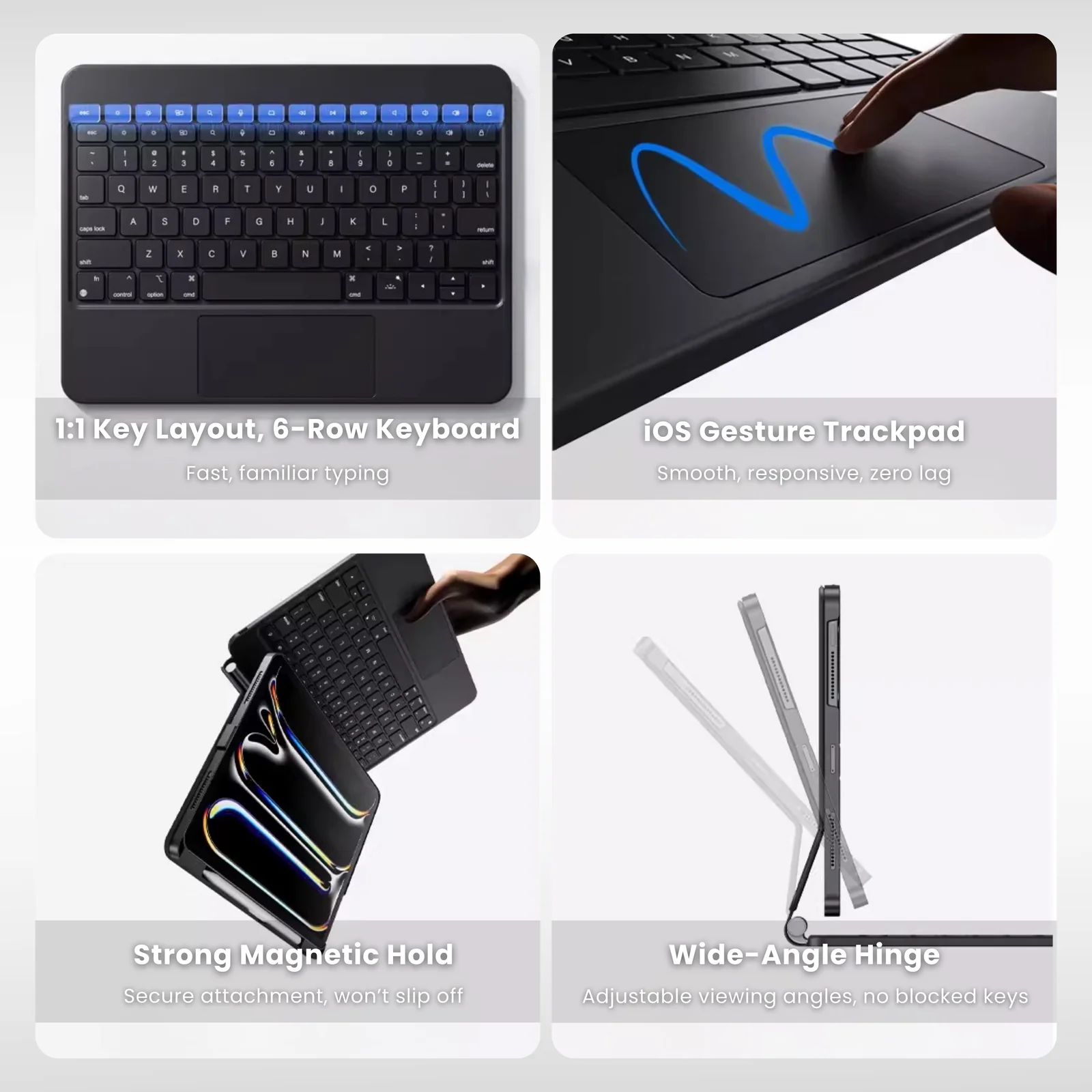
A familiar key layout designed for comfortable everyday typing.
Scroll, navigate and use familiar iPad gestures directly from the trackpad.
Magnetic positioning helps keep your iPad securely aligned while you work.
Adjust the screen position for typing, browsing, calls and everyday use.
Built for instant response.
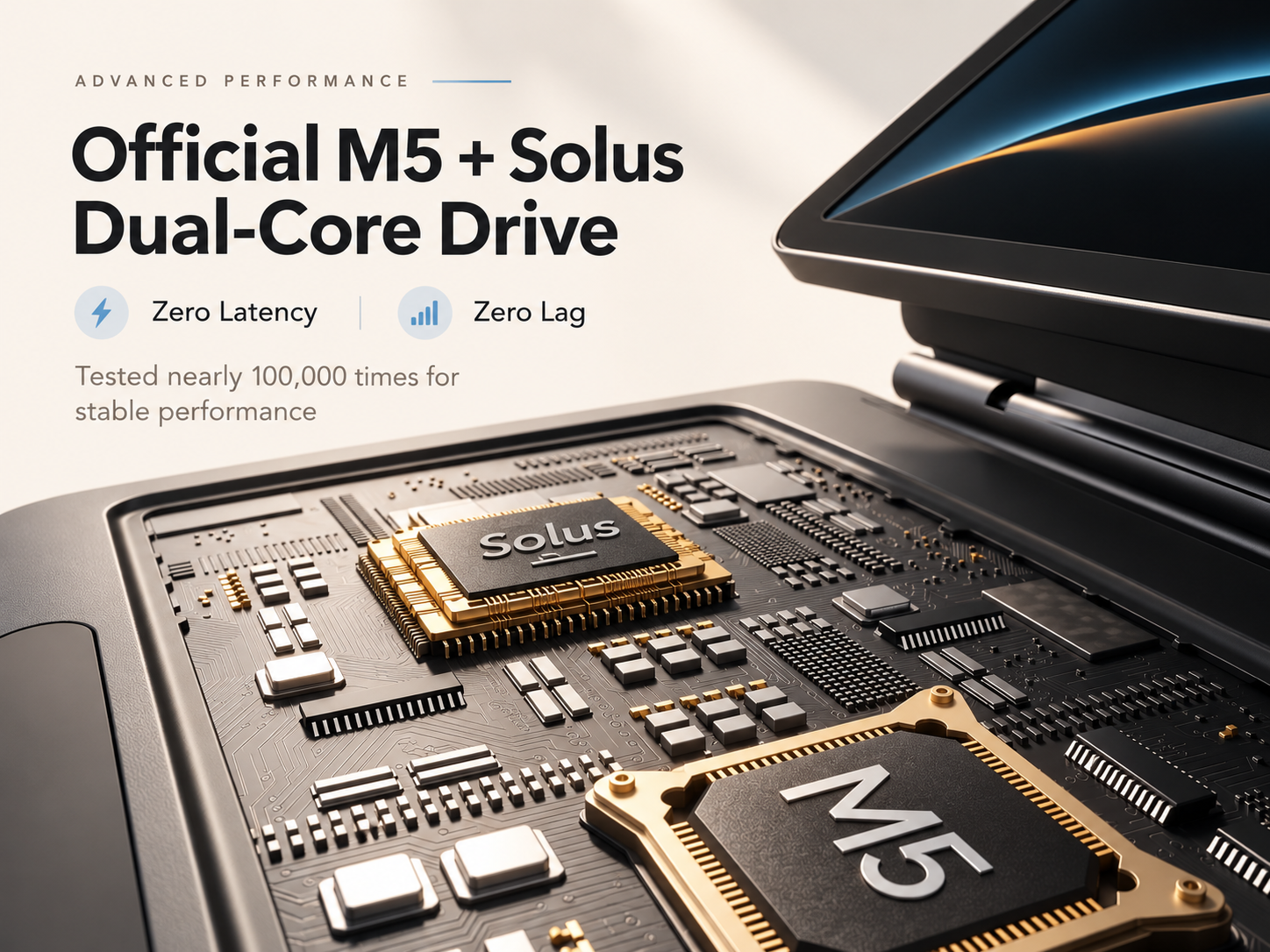
M5 + Solus dual-core control helps keep typing and trackpad input fast, stable and responsive throughout everyday use.
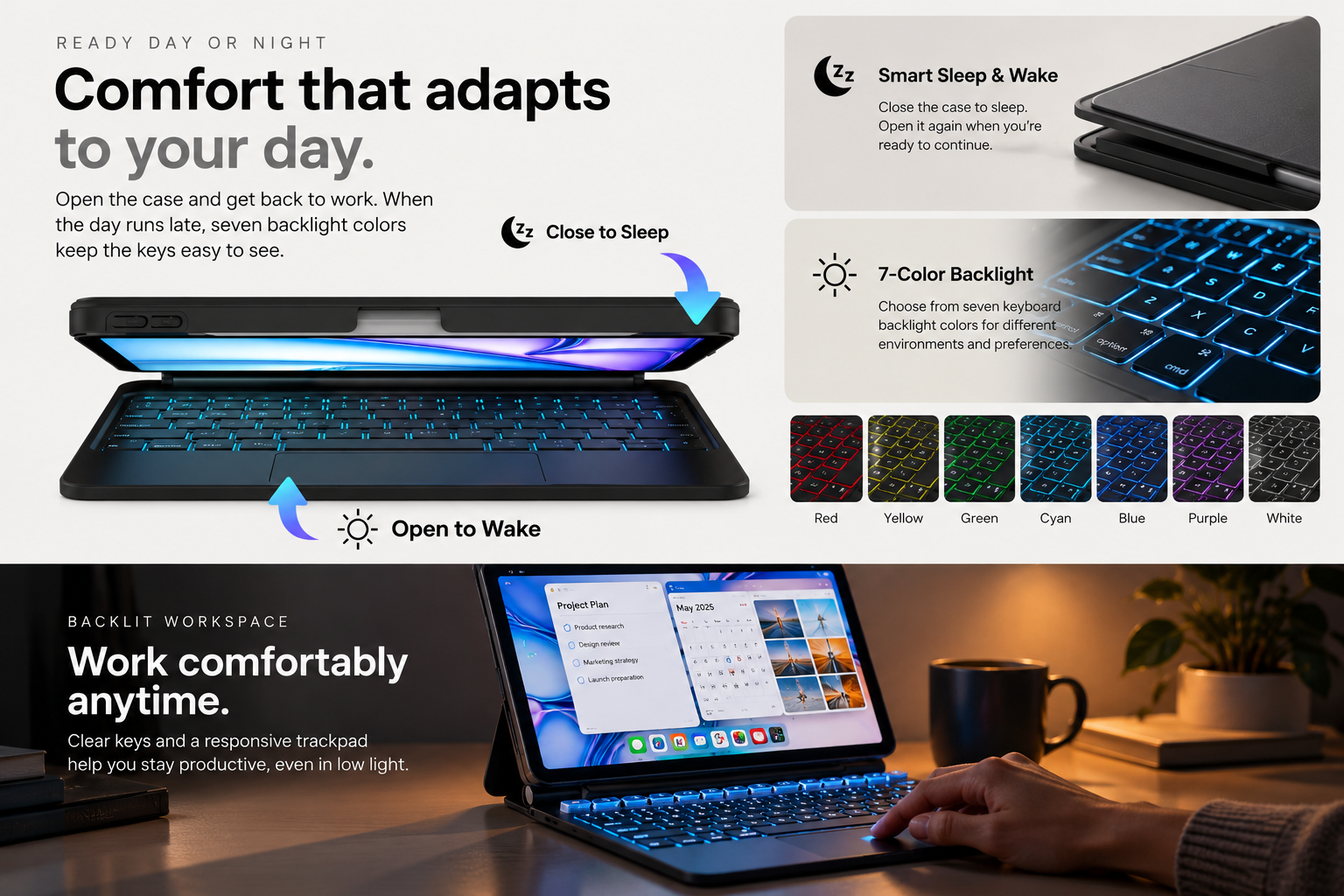
Comfort that adapts to your day.
Open your iPad and get back to what matters. Seven backlight colors help keep the keyboard clear and comfortable to use as the light around you changes.