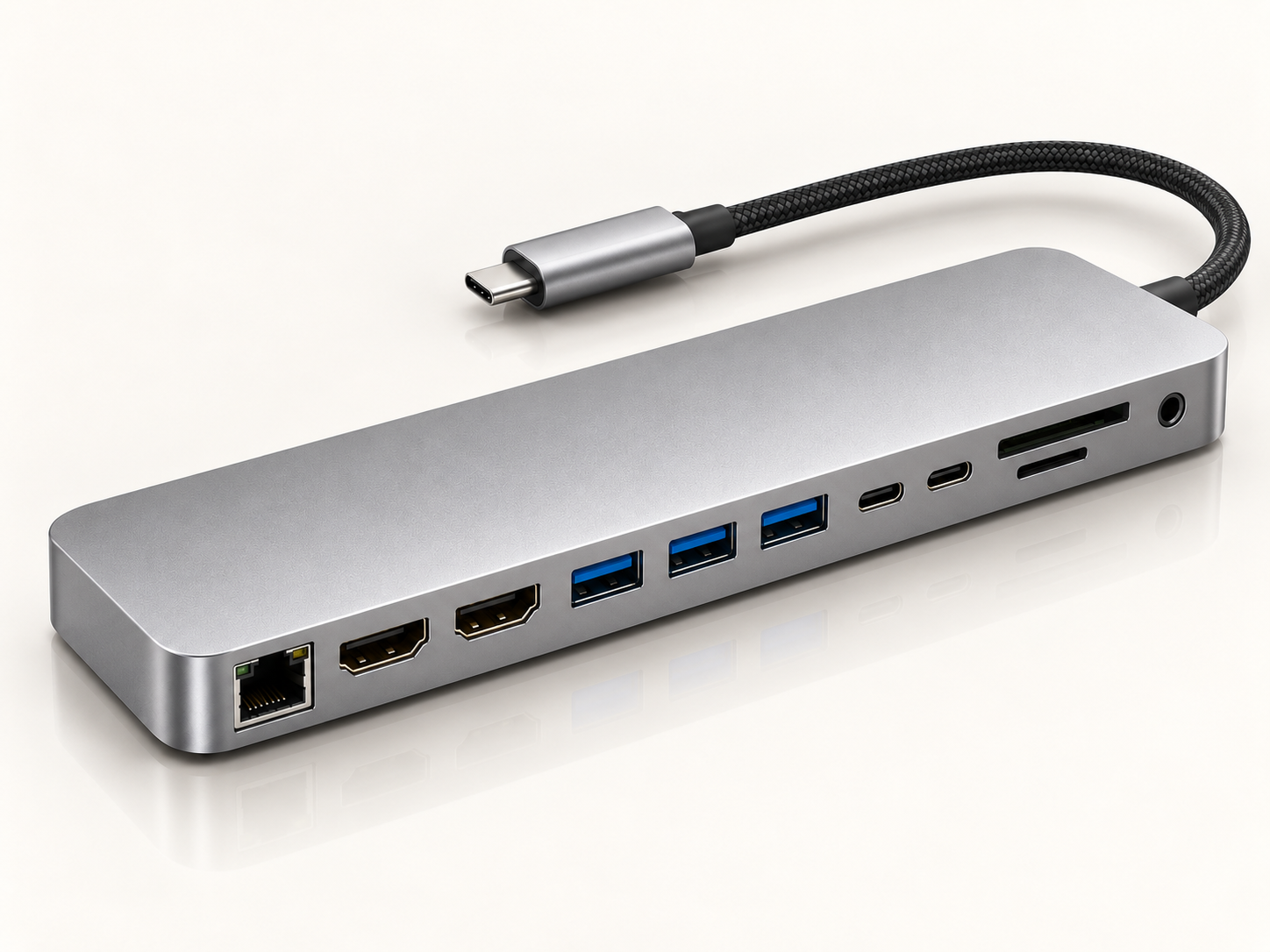
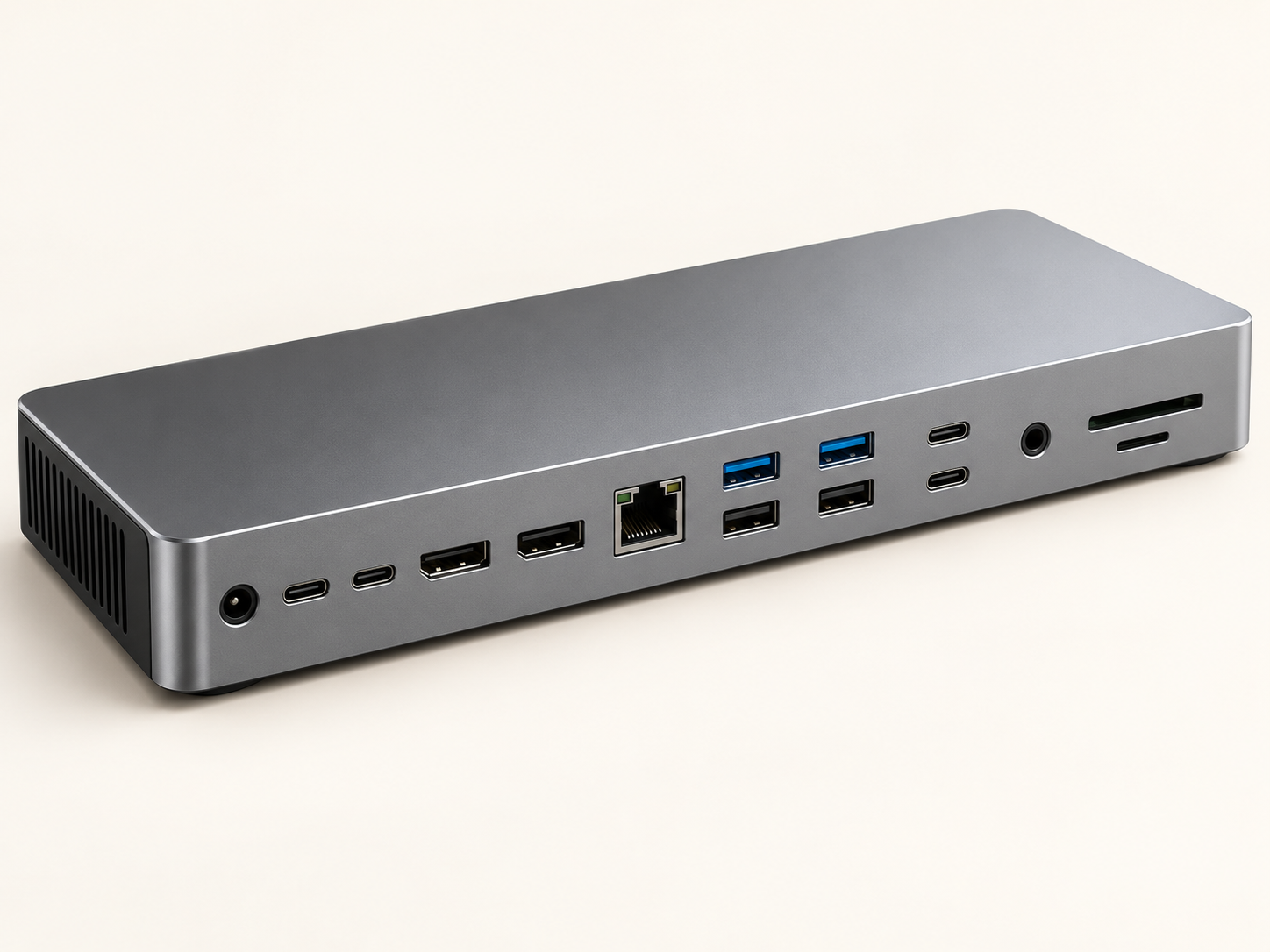
USB-C DOCKING STATIONS

One Connection. A Better Workspace.

Find the right USB-C hub for the way you work. From everyday essentials to a more complete desktop setup, explore four practical options for your devices and accessories.

CHOOSE YOUR USB-C DOCK
Basic 5-IN-1 $25.99
Advanced 7-IN-1 $39.99
Multi-Function 10-IN-1 $49.99
Professional 12-IN-1 $69.99
HDMI Connectivity Compatible video devices
USB Expansion More everyday connections
PD Power Input Charging pass-through
Four Configurations 5 / 7 / 10 / 12-in-1
SIMPLIFY YOUR SETUP

Too Many Devices.
Not Enough Ports.

Modern laptops are built to stay slim, but that often means fewer ports. A docking station brings your displays, storage, internet, power and everyday accessories back into one cleaner setup.

Without a Dock

More adapters.
More cable clutter.

Every extra device adds another cable, adapter or connection to manage.

− HDMI adapter
− Separate card reader
− USB adapters
− Ethernet dongle
− Separate charging cable
− Constant plugging and unplugging
→
With a Dock

One connection.
A cleaner workspace.

Connect your essential devices through one central USB-C hub.

✓ One USB-C connection
✓ Multiple display support
✓ Fast data access
✓ Wired internet
✓ Power delivery
✓ Fewer cables across your desk
Less time reconnecting. More time working.

Build a setup that stays ready for your laptop, displays and accessories whenever you sit down to work.

ONE CABLE · MORE POSSIBILITY
FIND YOUR SETUP

Start With How
You Actually Work.

From a simple everyday connection to a more complete desk setup, discover four USB-C hub options designed for different ways of working.
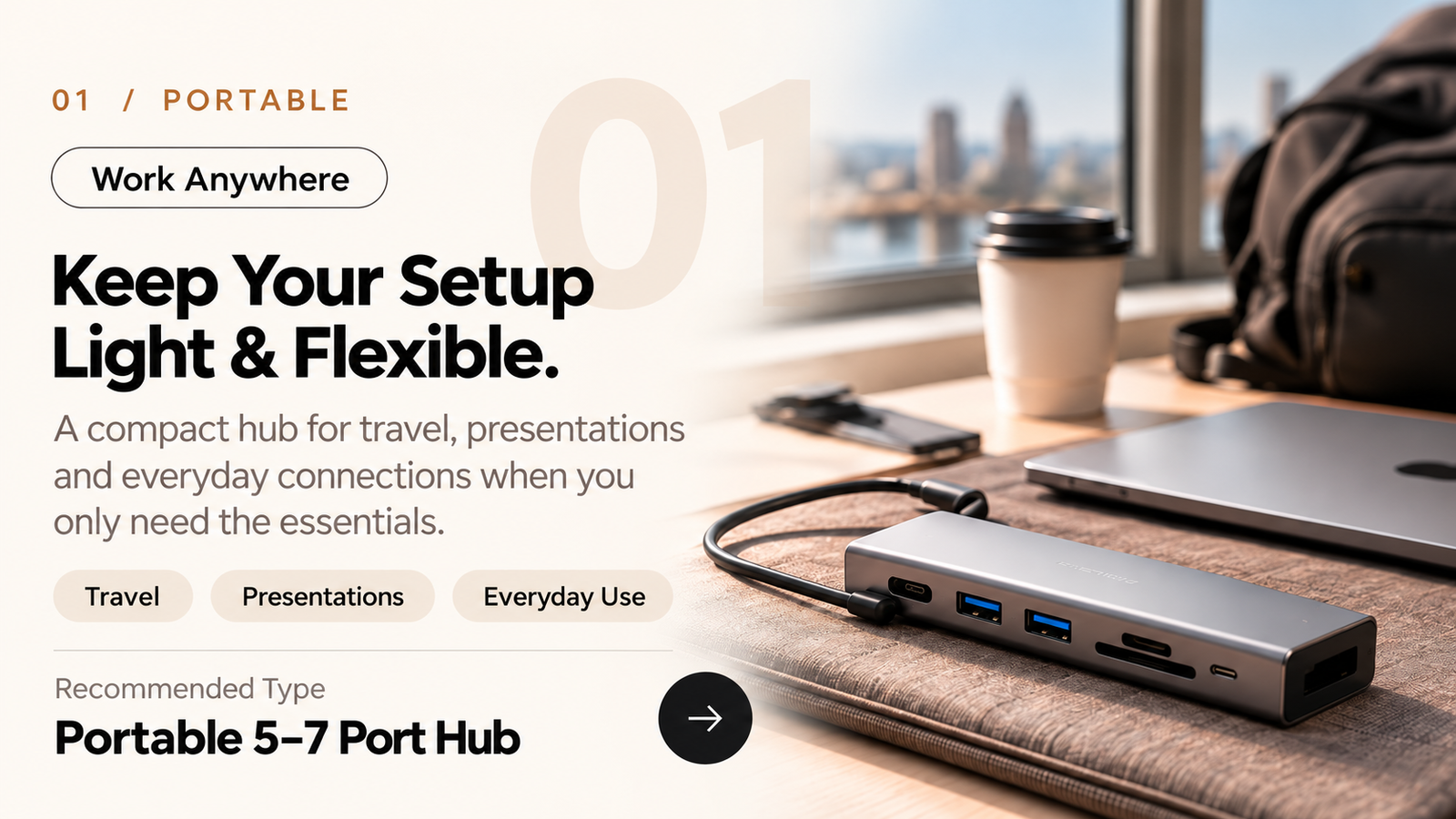
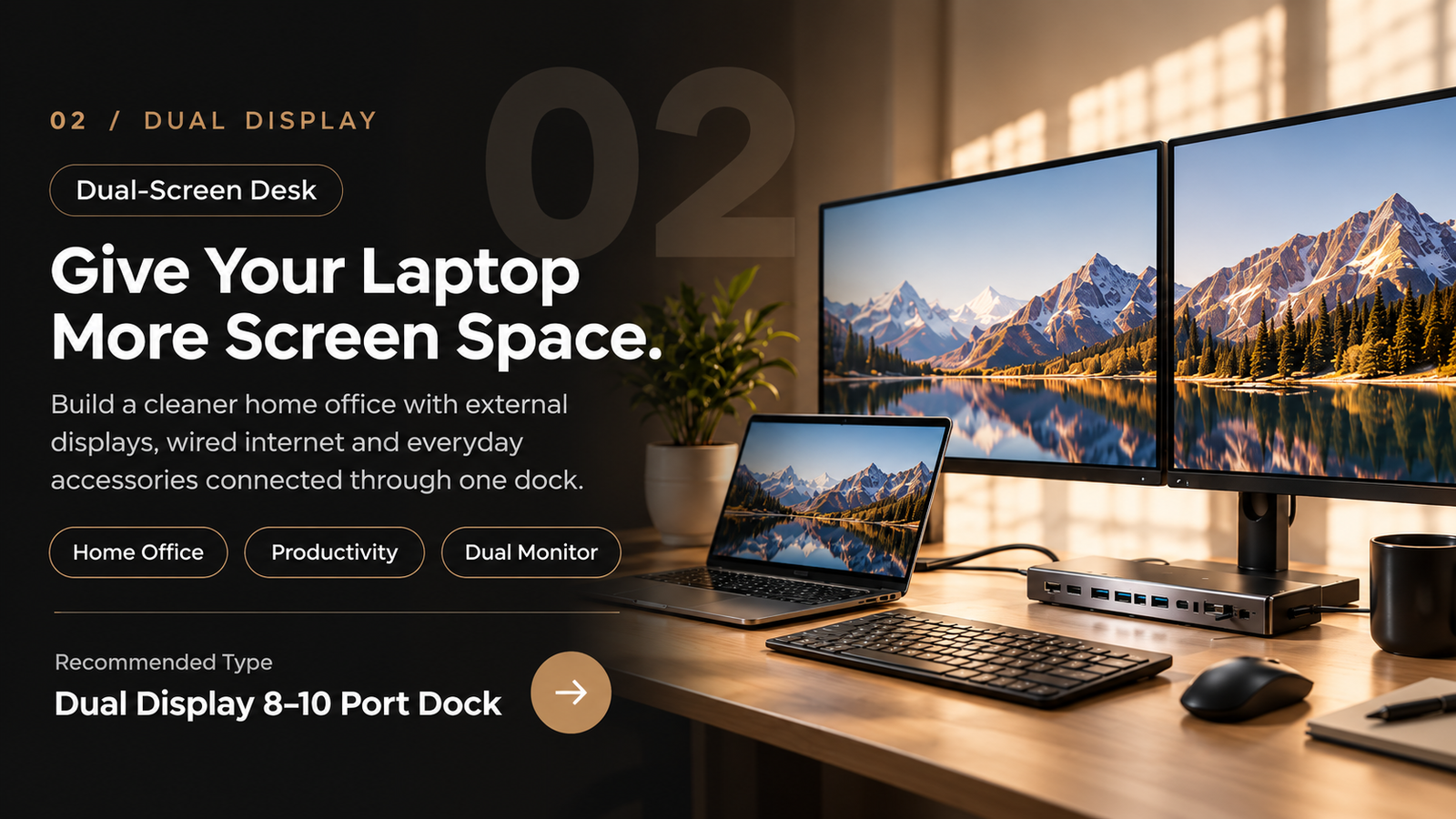
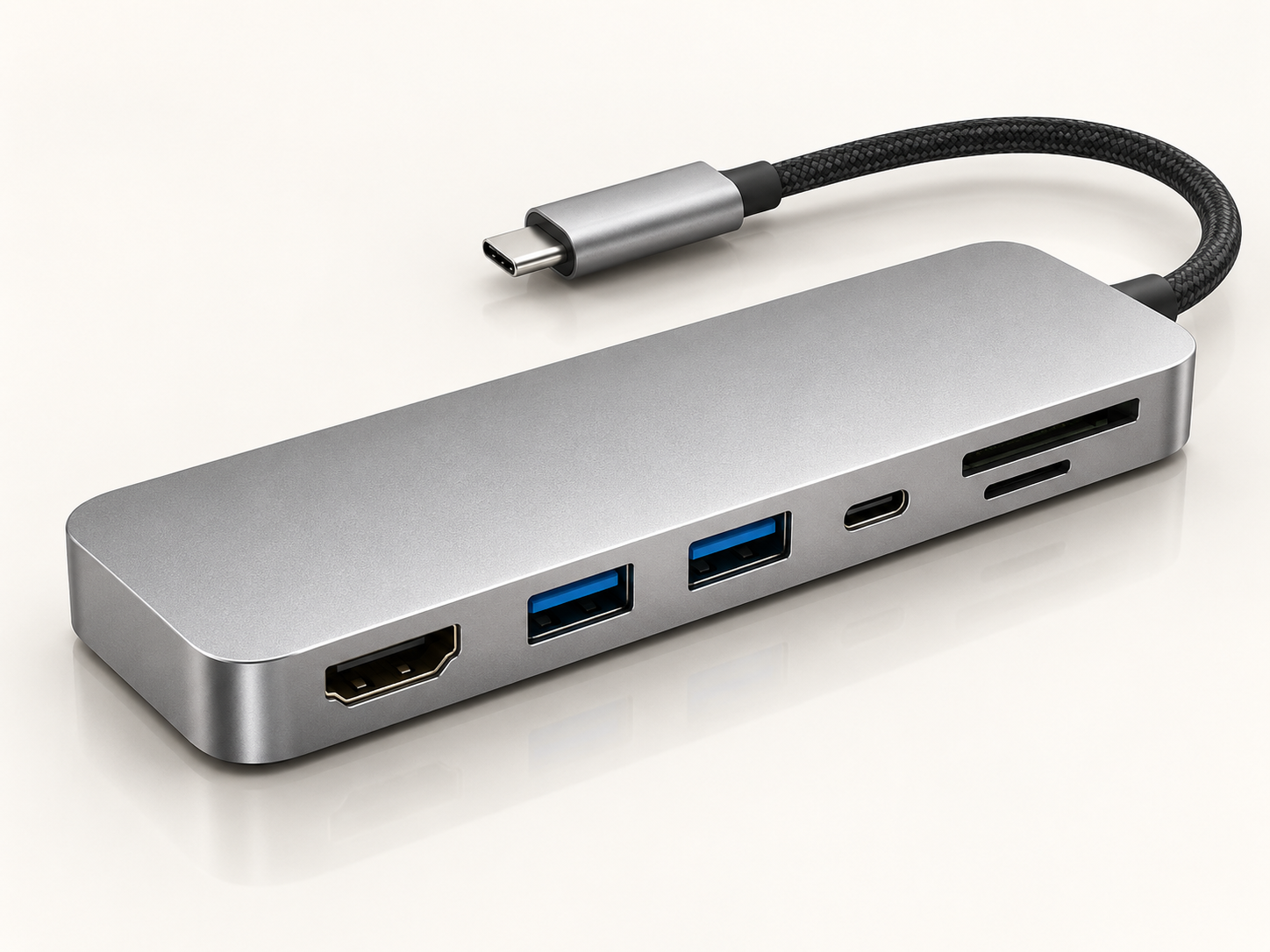
Compact USB-C hub in an everyday workspace
BASIC · 5-IN-1
EVERYDAY ESSENTIALS Basic USB-C Dock Essential connections in a compact design.
PRICE $25.99
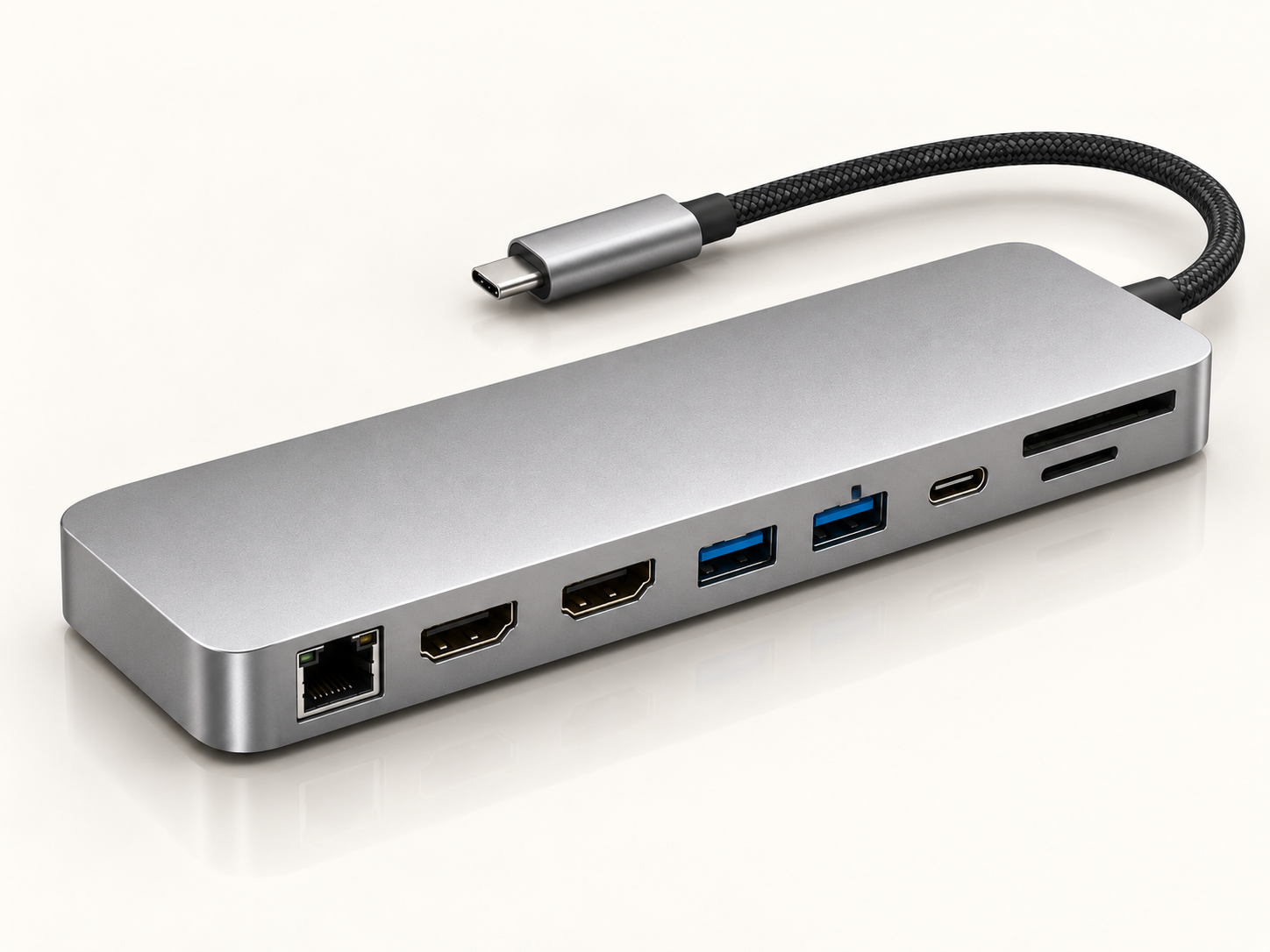
USB-C connectivity in a modern desk workspace
ADVANCED · 7-IN-1
EVERYDAY PRODUCTIVITY Advanced USB-C Dock More connection options for your daily devices.
PRICE $39.99
USB-C docking hub in a multipurpose desktop workspace
MULTI-FUNCTION · 10-IN-1
MORE CONNECTION OPTIONS Multi-Function USB-C Dock Flexible connections for more of your peripherals.
PRICE $49.99
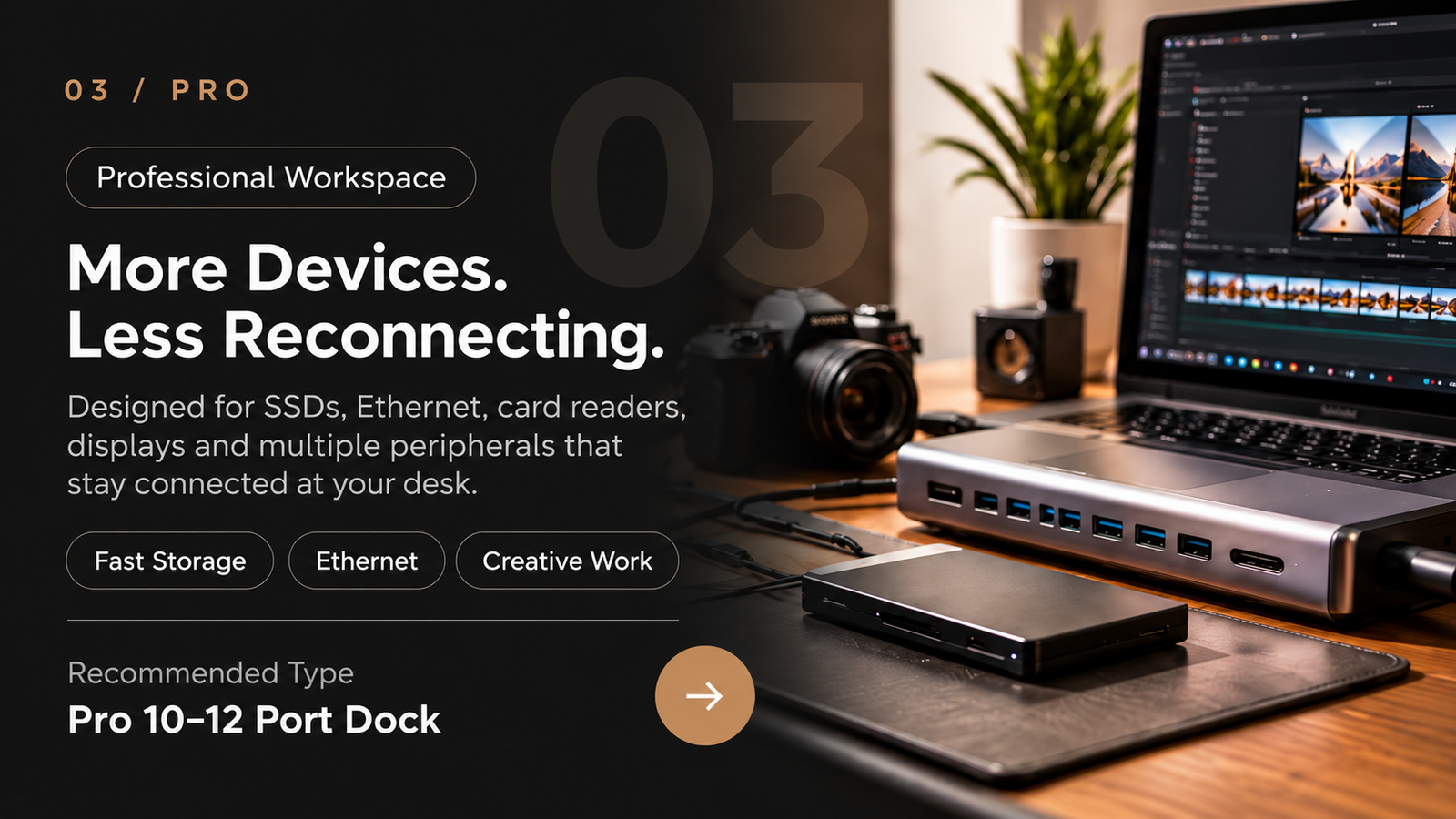
Professional USB-C workstation with connected devices
PROFESSIONAL · 12-IN-1
DESKTOP CONNECTIVITY Professional USB-C Dock A wider range of ports for a connected workstation.
PRICE $69.99

Port configurations and compatibility depend on the selected model and your computer's USB-C capabilities. Check individual specifications before purchasing.

Choose the setup that fits you
ONE CABLE ECOSYSTEM

Everything Connects.
Your Desk Stays Simple.

Turn one USB-C connection into a complete workstation. Keep displays, storage, power, networking and everyday accessories ready whenever you connect your laptop.

USB-C DOCK
▣
DISPLAY

More Screen Space

Connect external displays for a larger, more productive desktop setup.

◫
DATA

Storage & Accessories

Keep SSDs, card readers, keyboards and everyday USB devices connected.

⚡
POWER

Charge While You Work

Power delivery keeps compatible laptops charged through the same connection.

⌁
NETWORK

Stable Wired Internet

Connect Ethernet for a reliable network connection at your permanent workspace.

ONE USB-C CONNECTION · ONE COMPLETE WORKSPACE
01 Fewer Adapters

Replace multiple single-purpose dongles with one central connection point.

02 Less Cable Clutter

Keep your desk cleaner with devices routed through one docking station.

03 Faster Setup

Sit down, connect one cable and get your workspace ready in seconds.

04 Easier Daily Workflow

Keep frequently used devices connected instead of reconnecting them every day.

PERFORMANCE THAT MATTERS

More Than Ports.
Better Daily Performance.

A good docking station should do more than expand connectivity. It should keep displays smooth, data moving, networks stable and your workspace ready throughout the day.

01 / DISPLAY
4K
VISUAL WORKSPACE

More Screen Space.
More Room to Work.

Support for high-resolution external displays helps create a larger workspace for multitasking, editing, presentations and everyday productivity.

02 / DATA
⇄

Faster File Transfers

Move large files, photos and project data through high-speed USB connections.

Built for storage-heavy workflows
03 / NETWORK
⌁

Stable Wired Network

Ethernet support gives your desk a more reliable connection than depending on Wi-Fi alone.

Ideal for fixed workstations
04 / POWER
⚡

Power While Connected

Compatible power delivery lets your laptop charge while displays and accessories stay connected.

One cable for work + power
05 / THERMAL
◌

Built for Longer Sessions

Aluminum construction and ventilation help manage heat during extended multi-device use.

Designed for everyday desktop use
DISPLAY High-Resolution Output

Exact resolution support varies by model.

TRANSFER High-Speed Data

Connect SSDs, drives and accessories.

NETWORK Gigabit Ethernet

Stable wired connectivity for your desk.

POWER Power Delivery

Charge compatible laptops while connected.

COMPARE MODELS

Find the Right Dock
for Your Setup.

Compare four USB-C docking options by their available connections and everyday workspace needs. Choose the configuration that fits your devices and routine.

Compare
Essential
5-IN-1 Basic Everyday connectivity $25.99
Everyday Work
7-IN-1 Advanced More device connections $39.99
Versatile
10-IN-1 Multi-Function Expanded port selection $49.99
Desktop Setup
12-IN-1 Professional More complete workstation $69.99
Best For Travel & daily use Everyday desk work More peripherals Desktop workspace
Connections 5-in-1 7-in-1 10-in-1 12-in-1
HDMI Output ✓ ✓ ✓ ✓
VGA Output — — — ✓
USB 3.0 Available Available Available Available
USB 2.0 Available Available Available Available
USB-C PD Input ✓ ✓ ✓ ✓
SD / microSD Check model Check model Check model Check model
Ethernet — Check model Check model Check model
Workspace Portable setup Everyday desk Flexible desk Full-size desk
Portability Compact Portable Portable Desk-oriented

Exact port configurations depend on the selected model. Video output requires a compatible USB-C host device. Multiple video connectors do not guarantee independent multi-monitor extension.

Choose by Connection Needs
BEFORE YOU CONNECT

A Few Things
Worth Knowing.

Docking station performance depends on both the dock and the capabilities of your laptop. Check the model configuration that best matches the devices and displays you plan to use.

Will every USB-C laptop support external displays?
Not necessarily. USB-C ports can support different standards. Display output depends on whether your laptop supports video through USB-C, DisplayPort Alt Mode, Thunderbolt or another compatible display standard.
Can I charge my laptop through the docking station?
Models with Power Delivery can pass power to compatible laptops while connected. Actual charging performance depends on the dock, charger, cable and laptop power requirements.
How many monitors can I connect?
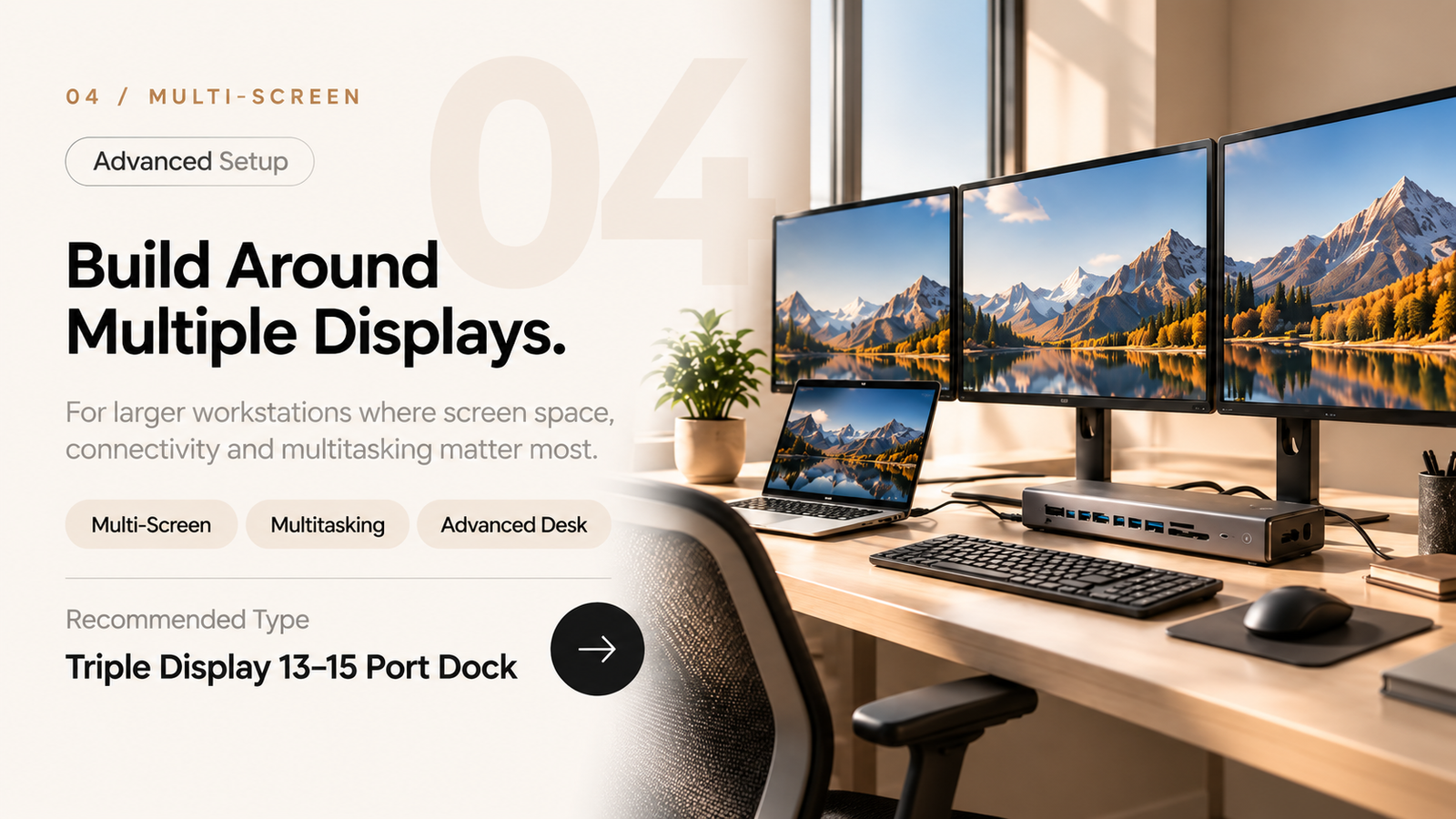
Display capability varies by model and by the connected computer. Portable hubs are designed for simpler setups, while higher-port docking stations are intended for dual-display or multi-screen workstations.
Do all models include Ethernet and card readers?
No. Port combinations vary between models. Check the individual product specifications for Ethernet, SD, microSD, HDMI, USB-A, USB-C and other connections.
Which docking station should I choose?
Choose based on your actual workflow rather than the highest port count. A 5–7 port hub suits lighter travel use, while larger 8–15 port models are better suited to permanent desk setups, multiple displays and more connected devices.
BUILD YOUR WORKSPACE

One Connection.
A Desk That’s Ready.

Start with the ports and displays you actually use, then choose the docking station that keeps your everyday workspace simpler.

01 Choose by Workflow

Pick the connections your daily setup actually needs.

02 Check Compatibility

Confirm laptop display and USB-C capabilities before choosing.

03 Compare Port Layouts

Different models support different device combinations.

04 Build for Your Desk

From portable setups to full multi-screen workstations.